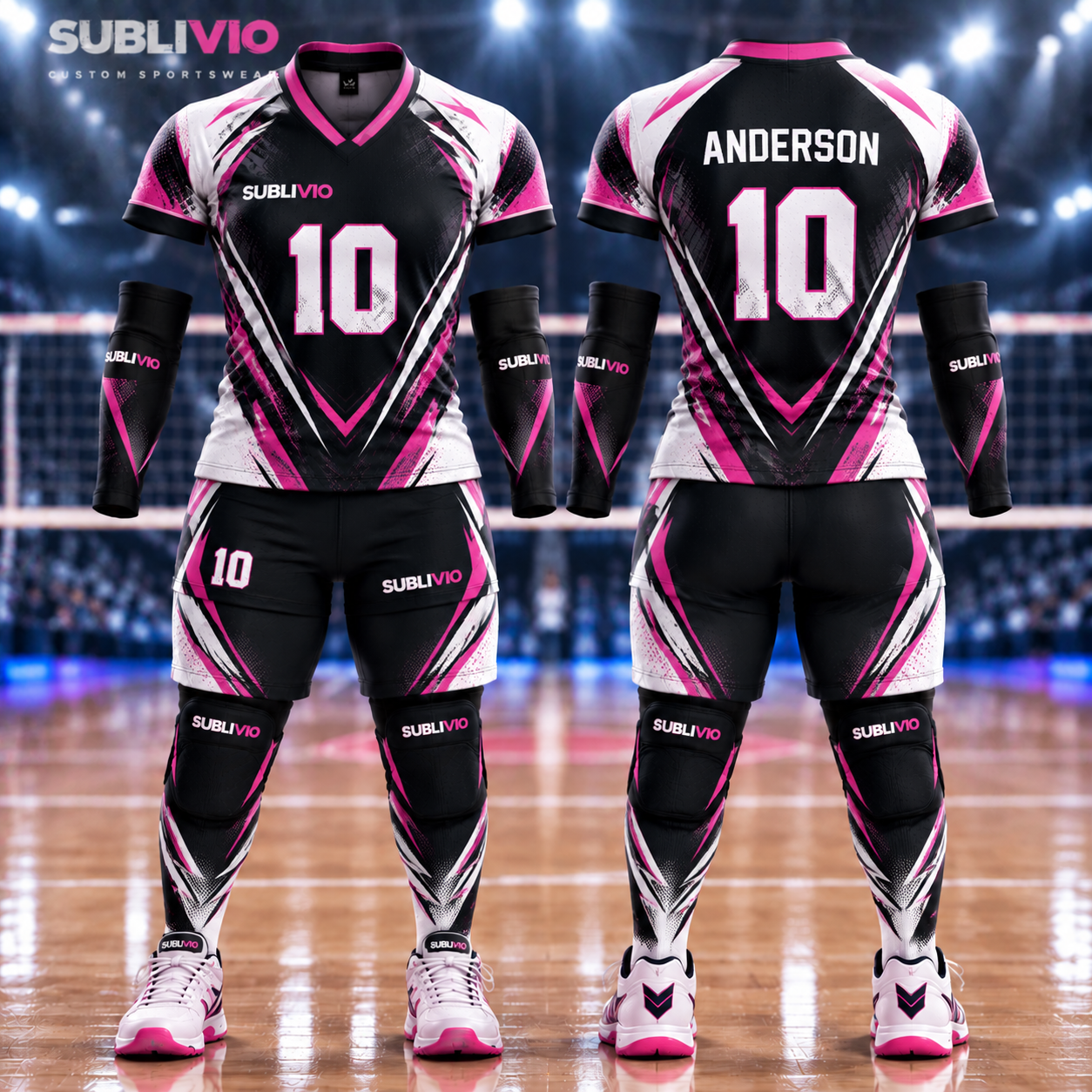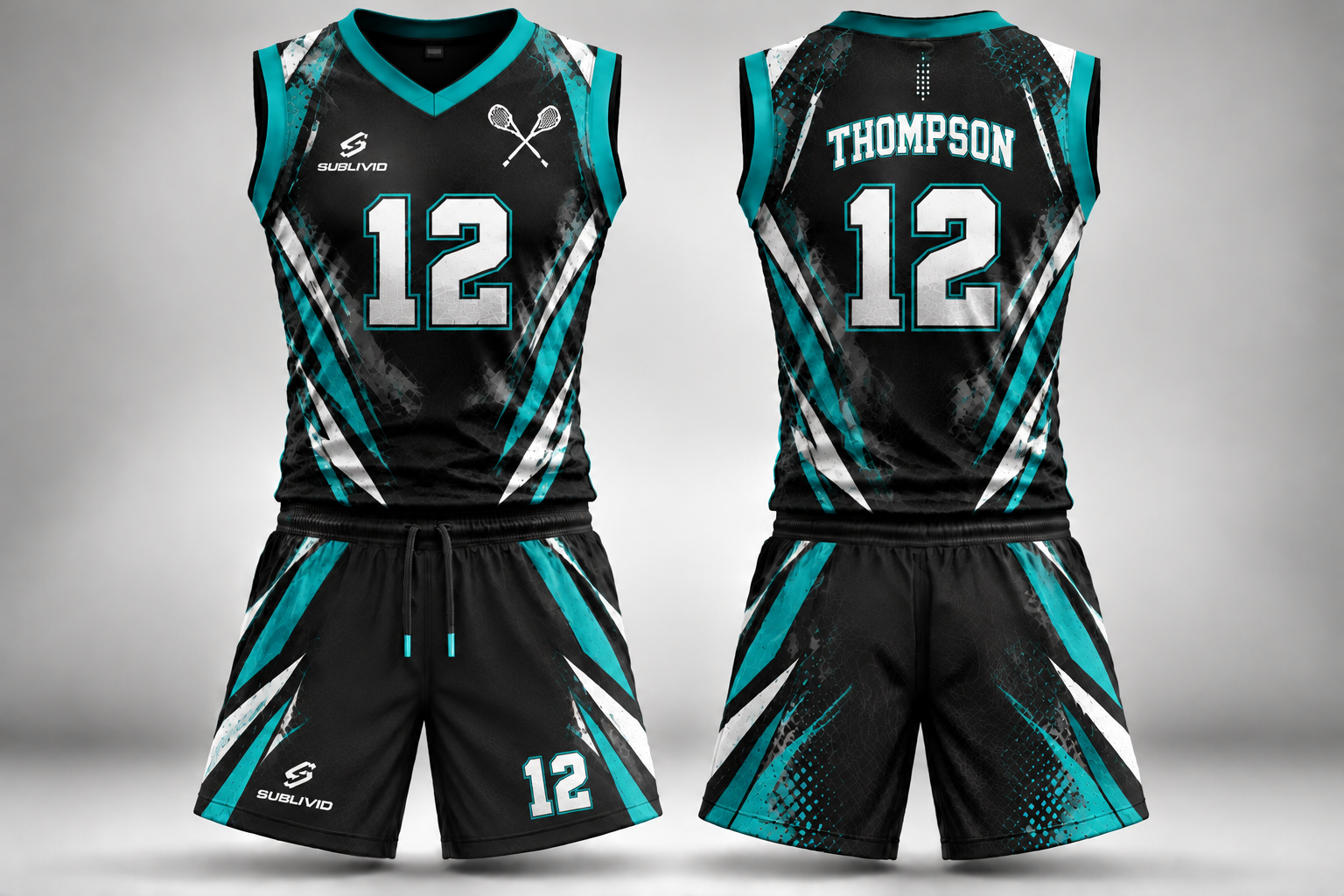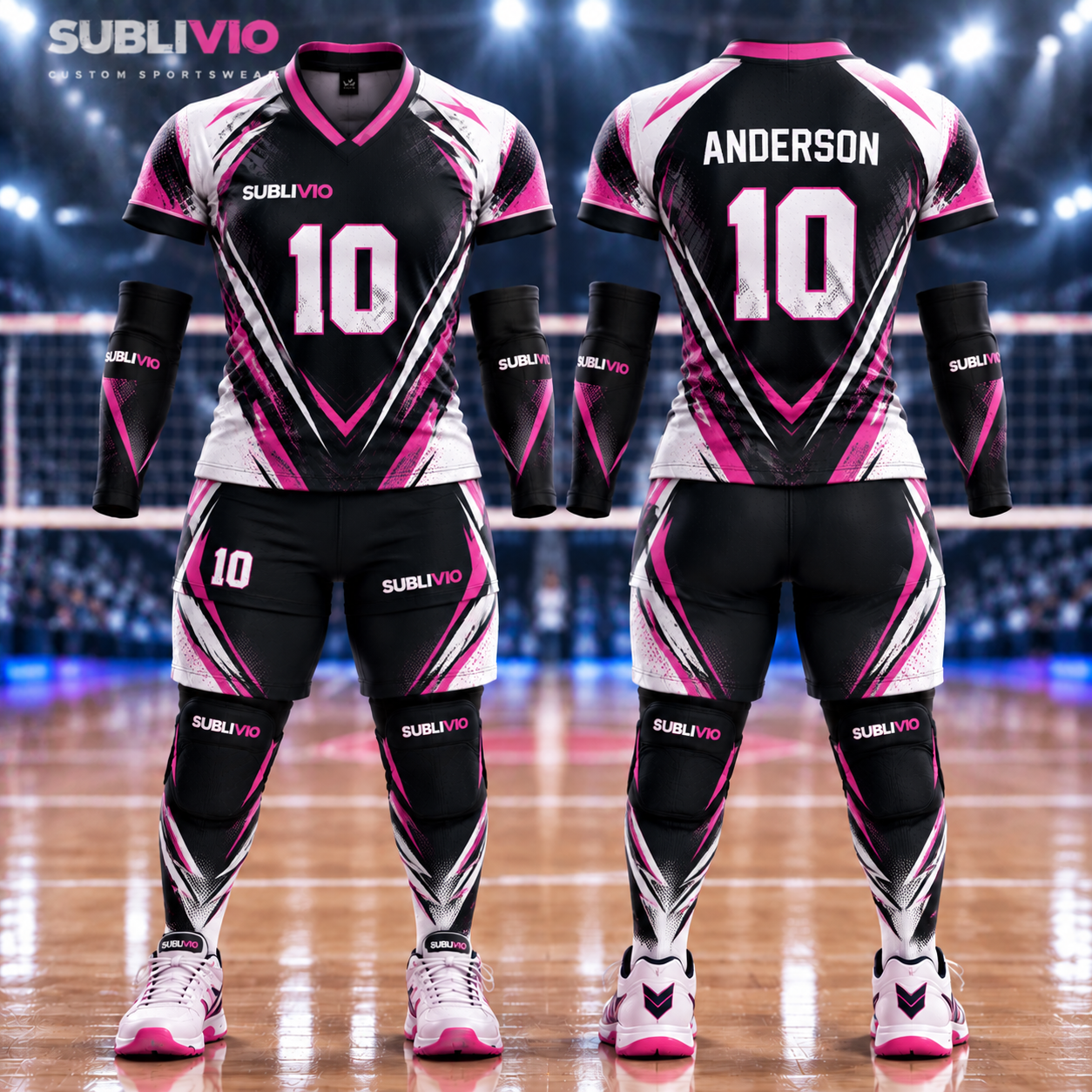
A clean vector logo, colours described plainly, and a names-and-numbers list checked twice will get you a sample you can approve with confidence. Send those three things with your quote and the artwork stage stops being guesswork. The sample then proves the result before the full run is made. A logo can look perfect on a laptop screen and still disappoint on a jersey. Usually the file was too small, the colours were described as "blue" when three different blues were in play, or a player's name was spelled one letter off in the list. None of that is a design problem. It is a handover problem, and a careful handover fixes all three before anything is printed.
What kind of artwork file works best?
Send a vector logo if you have one: AI, EPS, PDF or SVG. A vector file holds its edges at any size, so the same crest stays crisp on a chest logo and on a full sublimated front. If you only have a raster image, send a high-resolution PNG, the largest version you hold, and say so when you send it. A small logo pulled from a website header will not sharpen itself when it is enlarged, and it is better to know that at the quote stage than at the sample stage. Send the original file, not a screenshot of it and not a photo of a printed shirt. Screenshots flatten colour and soften edges. If your club has a brand sheet, send that too. It answers half the questions about colours and clear space before anyone has to ask them. The decoration method follows the artwork, not the other way round. [Our comparison of sublimation, embroidery and heat transfer](/blog/sublimation-vs-embroidery-vs-heat-transfer) explains which method suits a full-colour design, a stitched crest, or individual names.
Where should each logo sit?
Decide placement before you send the files, because moving a logo after the sample is made costs a round. The usual spots are the chest for the club crest, the upper back for a sponsor or league mark, and the sleeves for a secondary badge. Say which mark goes where, in plain words, and send one reference photo or sketch if the layout is unusual. A sentence like "crest left chest, sponsor across the shoulders" removes more doubt than a long description ever will. Keep sponsor logos in the same rule. If a sponsor supplies its own file, ask for the vector version from them directly rather than passing along a compressed copy from an email thread. Sponsor marks are where low-resolution files most often slip in, because nobody wants to chase a third party twice.
How do you describe colours so the sample matches?
Name every colour, and name it the same way every time you mention it. "Navy, white and gold" is a start, but two people can picture two different navies from that sentence. If you have colour references from a previous kit, a brand sheet, or a swatch, send them with the artwork. If you only have a screen reference, say which screen or photo it came from, so the sample can be judged against the same reference. Then judge the sample, not the screen. Screens shift colour with brightness and settings. The sample garment is the thing your team will actually wear, so check the colours on it in daylight and approve or correct them there, while a correction is still cheap.
How do you build a names-and-numbers list that needs no corrections?
01
One row per player.
Name, shirt number, and size if the roster is going in the same file. One row per player, no exceptions, so nothing hides in a note at the bottom.
02
Copy spellings from the source, not from memory.
Lift names from the registration list or the squad sheet. Accents, double letters and hyphenated names are exactly where memory invents errors.
03
Check every number twice.
Look for duplicates and for numbers that were swapped between two players. A duplicate number is easy to spot on a list and awkward to spot on a finished shirt.
04
Flag the odd cases in the file itself.
A player with no number yet, a name that changes spelling between documents, a captain who wants a different name on the shirt. Put the note beside that row, not in a separate message that can get lost.
05
Send the list with the quote, and freeze it at approval.
Changes after approval reopen the artwork stage. If a late change is unavoidable, send a corrected full list, not just the changed row, so nobody works from two versions at once.
What happens to your artwork during sampling and approval?
Your artwork goes into the design stage first, where the layout is prepared from the files and placements you sent. That is the stage described in the [manufacturing process](/process), from first brief to final review. Then a sample is made, and that sample is where your artwork earns its approval. Check the logo edges, the colours, the placement and every name and number on it, because the sample becomes the reference for the run. Finished pieces are checked against the approved sample before they ship. That check is the reason a careful approval matters so much: what you signed off is the standard the rest of the order is measured against. If something on the sample looks wrong, raise it at that point, while the fix is a sample fix and not a full-run problem.
Which artwork mistakes cost an extra round?
A logo only in a tiny raster file.
It looked fine at phone-screen size and fell apart at chest size. Send the vector file, or the largest high-resolution PNG you hold.
Colours described in one word.
"Blue" covered three different blues across the crest, the sponsor mark and the shorts. Name every colour and send a reference.
Names copied from memory.
One spelling error in a list becomes one wrong shirt in the run. Copy from the registration list and check the list twice.
Placement decided after the sample.
Moving a crest or a sponsor mark after the sample is made means making the sample again. Fix the layout in the brief.
Quick Facts
Artwork to send: a vector logo (AI, EPS, PDF or SVG) where you have one, otherwise the largest high-resolution PNG you hold, plus any brand sheet. Placement: state each mark's position in plain words, chest, back or sleeve, before the sample is made. Colours: name each colour and send a reference from a previous kit or brand sheet where you can; judge the result on the sample garment, not on a screen. Names and numbers: one row per player with the spelling copied from the registration list, numbers checked for duplicates, odd cases noted beside the row. Sample approval: the sample is free, its shipping is paid by the customer, and availability is confirmed after review. Finished pieces are measured against the approved sample before dispatch. Ordering: made to order and quoted only, no retail sales. Standard lead time is 14 days, with larger orders confirmed in the quotation. Freight is quoted once destination and carton count are confirmed.
Common Questions
Can I send a logo from my phone or a screenshot?
You can send what you have, but a screenshot or a small web image will not sharpen when it is enlarged. Send the original vector file where possible, or the largest high-resolution PNG you hold, and flag the file's limits at the quote stage so the sample can be judged honestly.
What if I only have a JPG of my club crest?
Send the largest version you hold and say it is a JPG. The design stage will show whether it holds up at the size you need. If it does not, a redrawn or resupplied vector file is the fix, and it is far cheaper to settle that before the sample than after it.
Do I need to send colours as codes?
Codes help where you have them, but a clear reference works too: a previous kit, a brand sheet, or a swatch. What matters is that every colour is named the same way throughout the brief, and that you judge the sample garment itself rather than a screen.
Can names and numbers be changed after I approve the sample?
They can, but a change after approval reopens the artwork stage, so send a corrected full list rather than a single changed row. The safest point to settle spellings and numbers is before approval, while the sample is still the thing being checked.
How does Sublivio check the finished kit against my artwork?
The approved sample is the reference. Finished pieces are checked against that sample before they ship, covering the approved design and construction, so an approval given carefully at sample stage carries through the whole run.
Send your artwork with your quote
Share your logo files, colours, placements and names-and-numbers list, and receive manufacturing pricing built on a complete brief. Or order a free sample first and check the artwork on a real garment before you commit.